
News at a Glance0.1 - Google Play
You'll be able to see results in few seconds.
Publisher Description
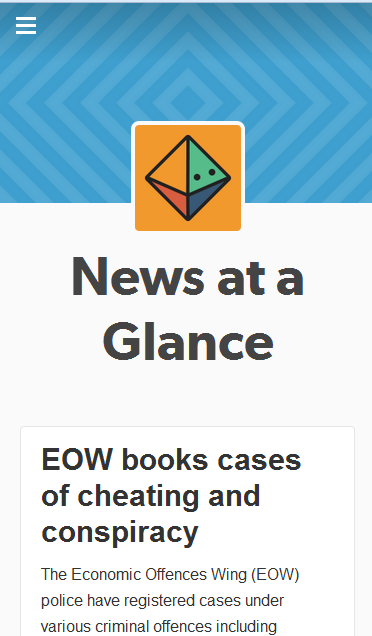
• Get latest top news that are very hot. Touch the logo to see top trending latest news. Link to read the news in detail.
• Read News summary from National & Regional Newspapers.
• Search using keyword.
• Archive by year, month and by day.
• Hash Tagged news. Easy to see the news related to hash tag.
• Supports more than 20 Indian languages, even if your phone doesn't support the language & font. Latest news available in Hindi, Malayalam, Tamil, Telugu, Kannada, Bengali, Marathi, Gujarati, Punjabi, Oriya & Urdu
• Get updates from over 600 Indian districts & towns, business, sports, Science, Technology, Environment, Health, budget, industry, Economy, markets, , weather, horoscopes, stock updates.
• Fully engages you to the entertainment, art, cinema, dance, history, culture, music, theater etc.
• Featured news from hundreds of newspaper including The Hindu, The Indian Express, Times of India, Economic Times, India Today, Outlook Today, Business Today, Moneycontrol, Daily Thanthi, Udaya Vani,Rajasthan Patrika, Prabhat Khabar, Mathrubhumi, lokmat, Malayala Manorama, Dinakaran, Dinamalar, Eenadu, Sakshi, Ananda Bazaar Patrika, Deccan Herald, Sakaal, Divya Bhaskar, Jagbani, India Today, BBC, Siasat & more
• Powered by http://newsataglance.tumblr.com
Notable Features :
★Search news
★Archive by year, month and by day
★Hash Tag
★Smooth and simple user interface.
★ Ultra Light weight App
★ Ultra Fast Loading
★ Better UI
★ Menu Controls
★ Specially Designed for 2G and it also works in 3G,WiFi
★ The quality and speed of loading
★ Zoom and Swipe
Download the free app today and experience the awesomeness!
About News at a Glance
The company that develops News at a Glance is sridharank. The latest version released by its developer is 0.1.
To install News at a Glance on your Android device, just click the green Continue To App button above to start the installation process. The app is listed on our website since 2016-02-22 and was downloaded 0 times. We have already checked if the download link is safe, however for your own protection we recommend that you scan the downloaded app with your antivirus. Your antivirus may detect the News at a Glance as malware as malware if the download link to com.wNewsataGlance is broken.
How to install News at a Glance on your Android device:
- Click on the Continue To App button on our website. This will redirect you to Google Play.
- Once the News at a Glance is shown in the Google Play listing of your Android device, you can start its download and installation. Tap on the Install button located below the search bar and to the right of the app icon.
- A pop-up window with the permissions required by News at a Glance will be shown. Click on Accept to continue the process.
- News at a Glance will be downloaded onto your device, displaying a progress. Once the download completes, the installation will start and you'll get a notification after the installation is finished.
Program Details
System requirements
Download information
Pricing
Version History
version 0.1
posted on 2016-02-22
Disclaimer
Official Google Play Link
We do not host News at a Glance on our servers. We did not scan it for viruses, adware, spyware or other type of malware. This app is hosted by Google and passed their terms and conditions to be listed there. We recommend caution when installing it.
The Google Play link for News at a Glance is provided to you by apps112.com without any warranties, representations or guarantees of any kind, so access it at your own risk.
If you have questions regarding this particular app contact the publisher directly. For questions about the functionalities of apps112.com contact us.
